Turn reporting into a decision system your business can trust
Datazeb designs Power BI and business intelligence solutions that bring scattered data together, standardise the numbers, automate reporting, and give decision-makers a clear view of what is happening across the business.
If reporting is slow, inconsistent, or difficult to trust, the dashboard is rarely the only problem
Many organisations reach the same point: reports are being built manually, data lives in multiple systems, KPI definitions differ between teams, and leadership spends too much time asking which number is correct.
Monthly or weekly reports take hours or days to prepare
Excel files have become business-critical systems
Different teams report different versions of the same KPI
Management cannot see performance without asking someone to prepare it
Power BI reports have become slow, difficult to maintain, or inconsistent
Data refreshes fail and nobody has clear ownership
Sensitive data needs better access control
The business wants self-service analytics without losing governance
Business intelligence built around the decisions your teams actually make
We do not begin with a visual. We begin with the business questions, the source data, and the decisions the reporting environment needs to support.
Client names are withheld. Specific commercial metrics are not published for confidentiality.
Dashboard gallery
More Power BI reports we have built
Reports for retail, healthcare, automotive, construction and investment clients.
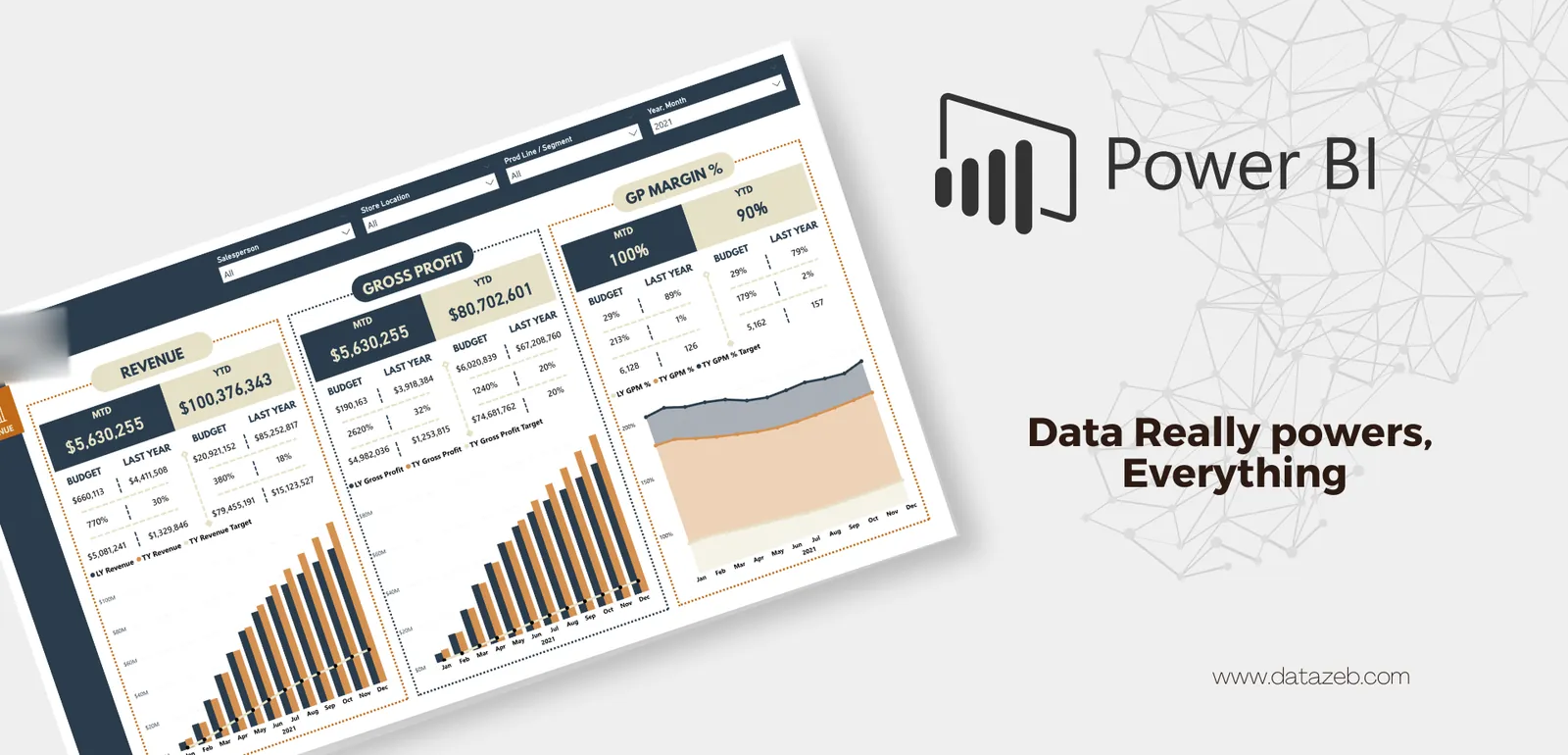
Open larger viewRetailRevenue, profit and marginMonth and year to date against budget and last year, by salesperson, store and product line.
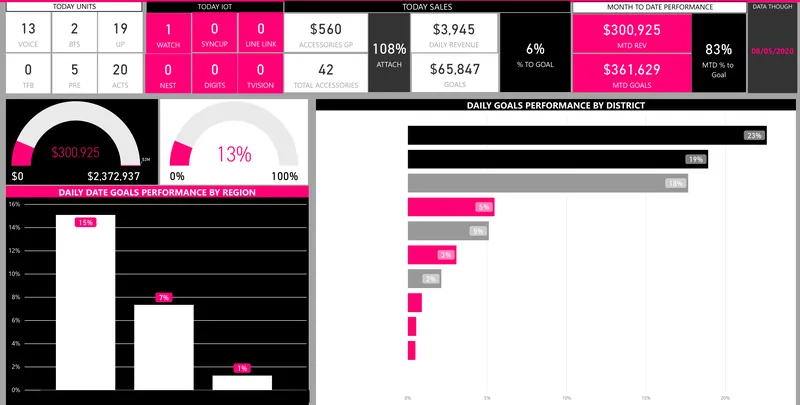
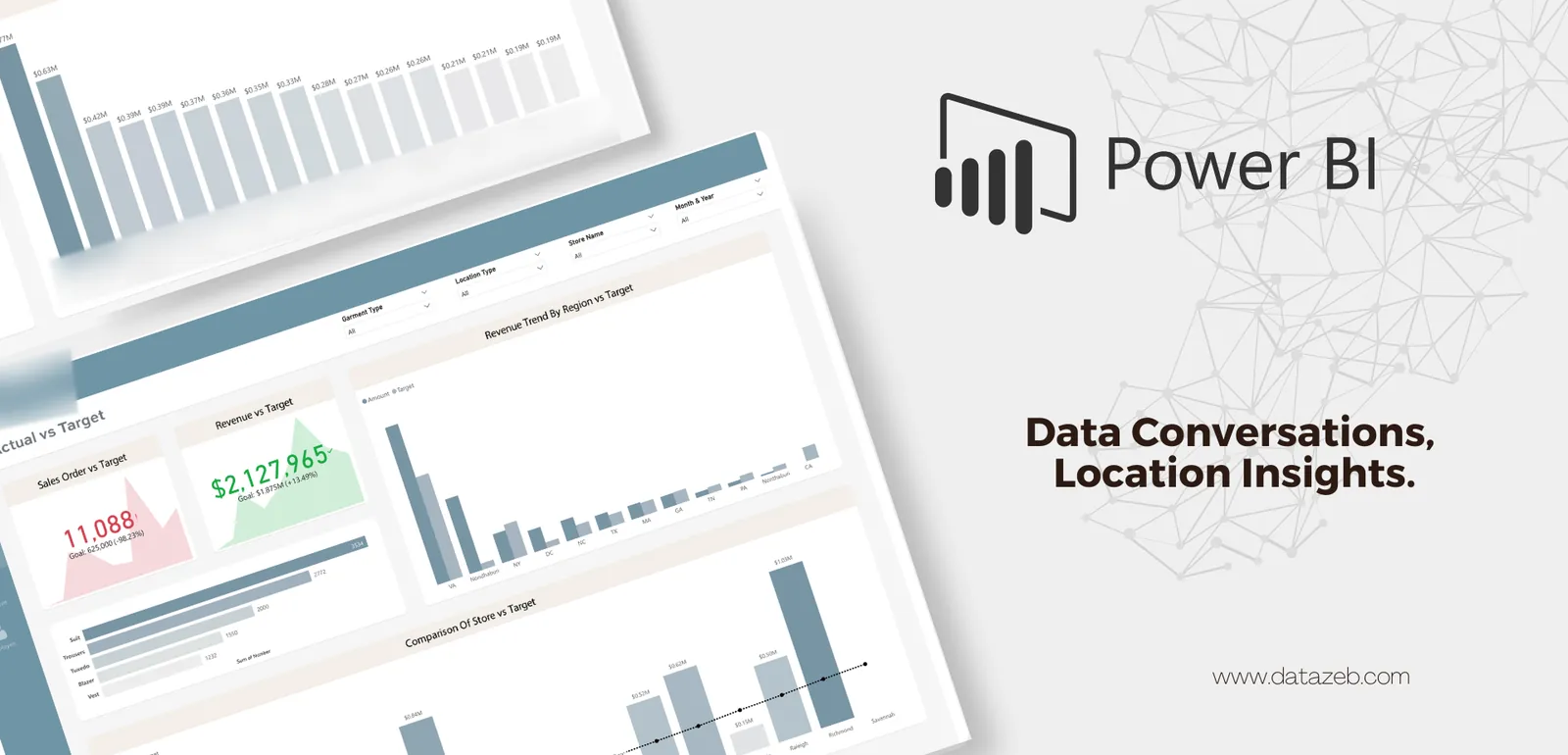
Open larger viewApparel retailSales against targetOrders and revenue against target by store, region, garment type and salesperson.
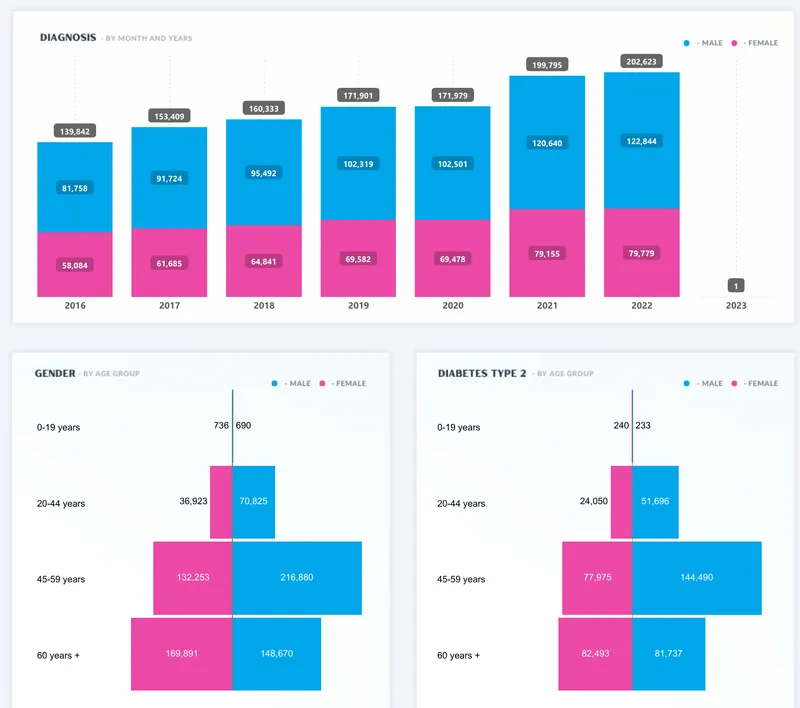
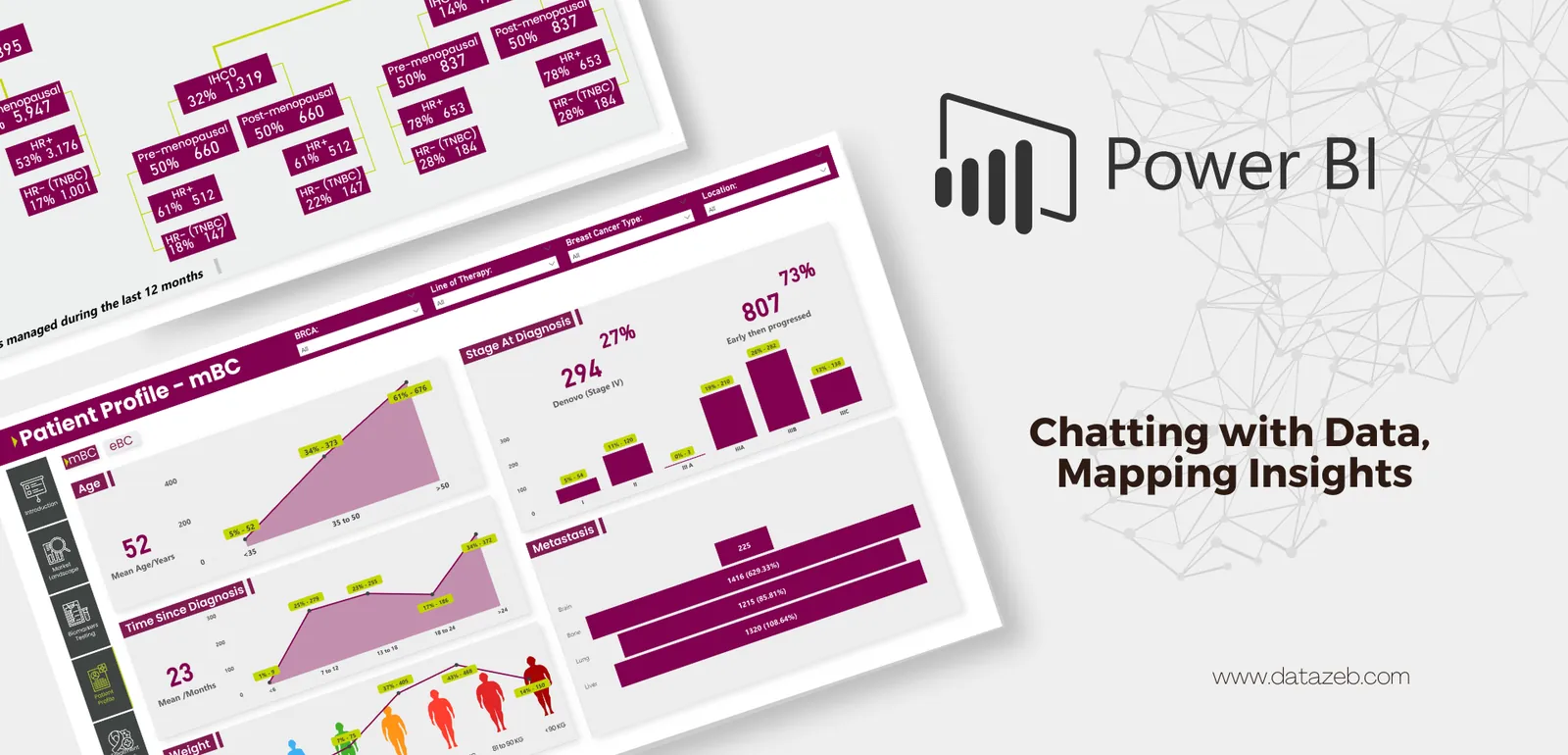
Open larger viewHealthcare & pharmaPatient profile analysisAge, time since diagnosis, stage at diagnosis and metastasis, filtered by therapy line and location.
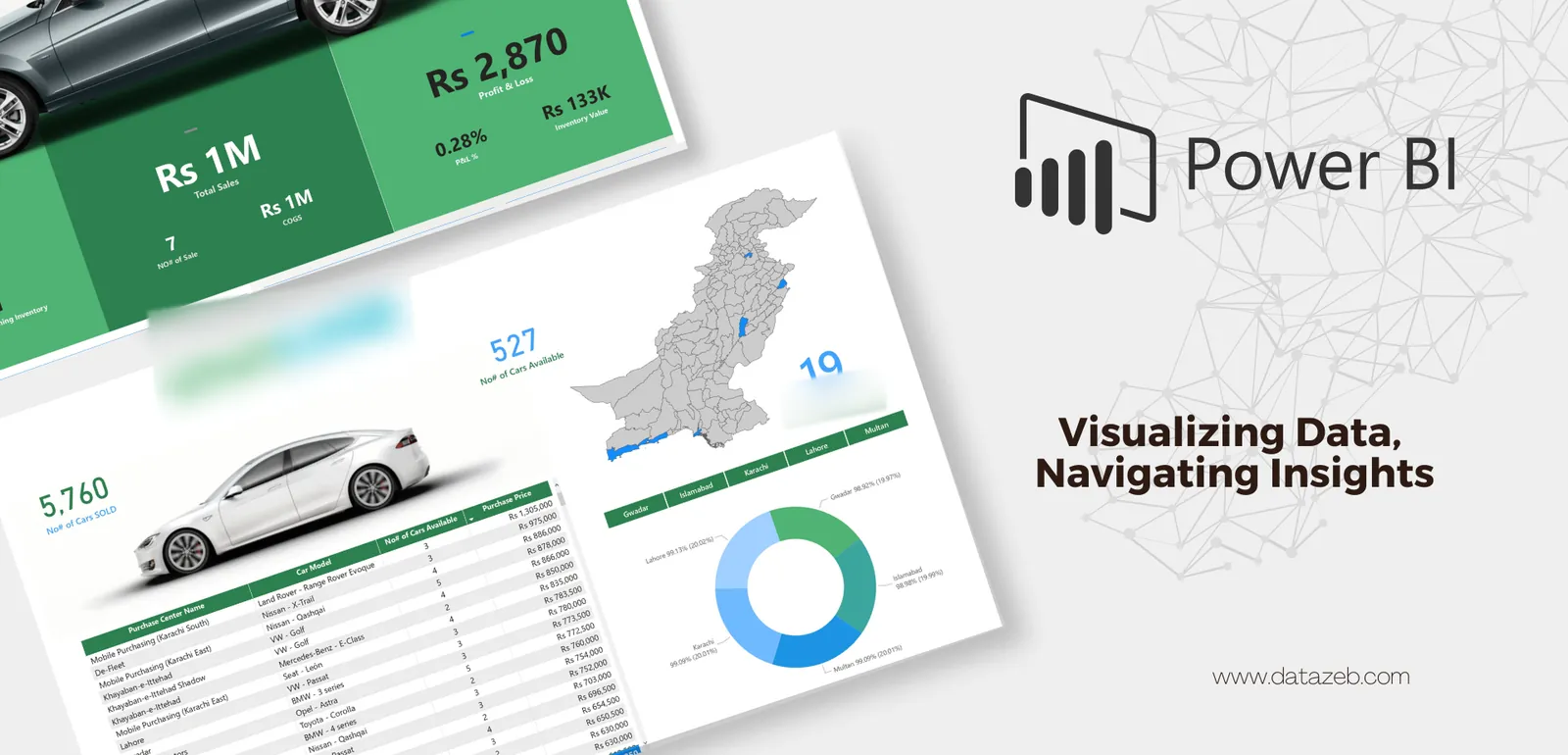
Open larger viewAutomotive tradingPurchasing and inventoryCars bought, sold and available, with purchase prices and profit by buying centre and city.
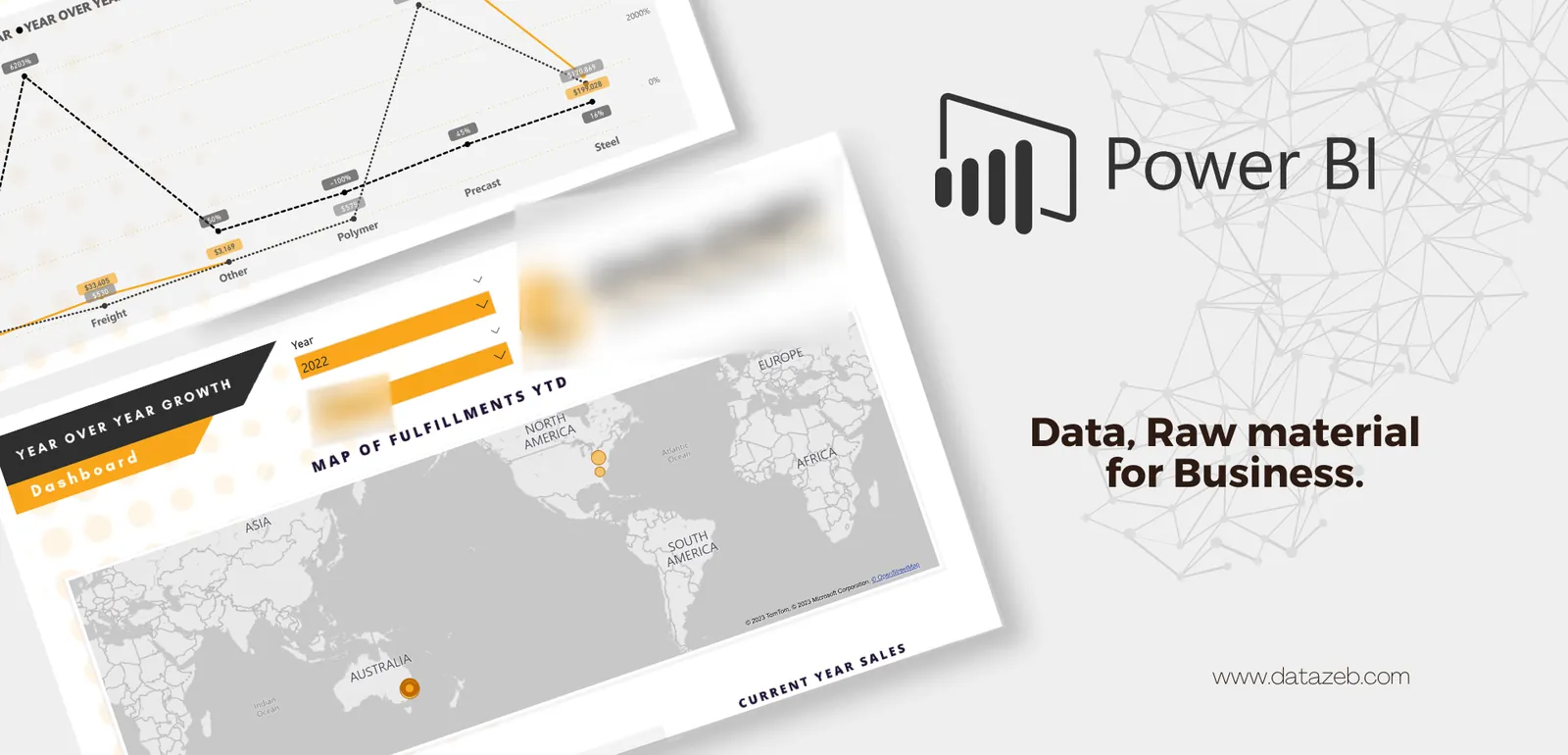
Open larger viewConstruction materialsYear-over-year growthSales growth by product line and a map of fulfilments for the current year.
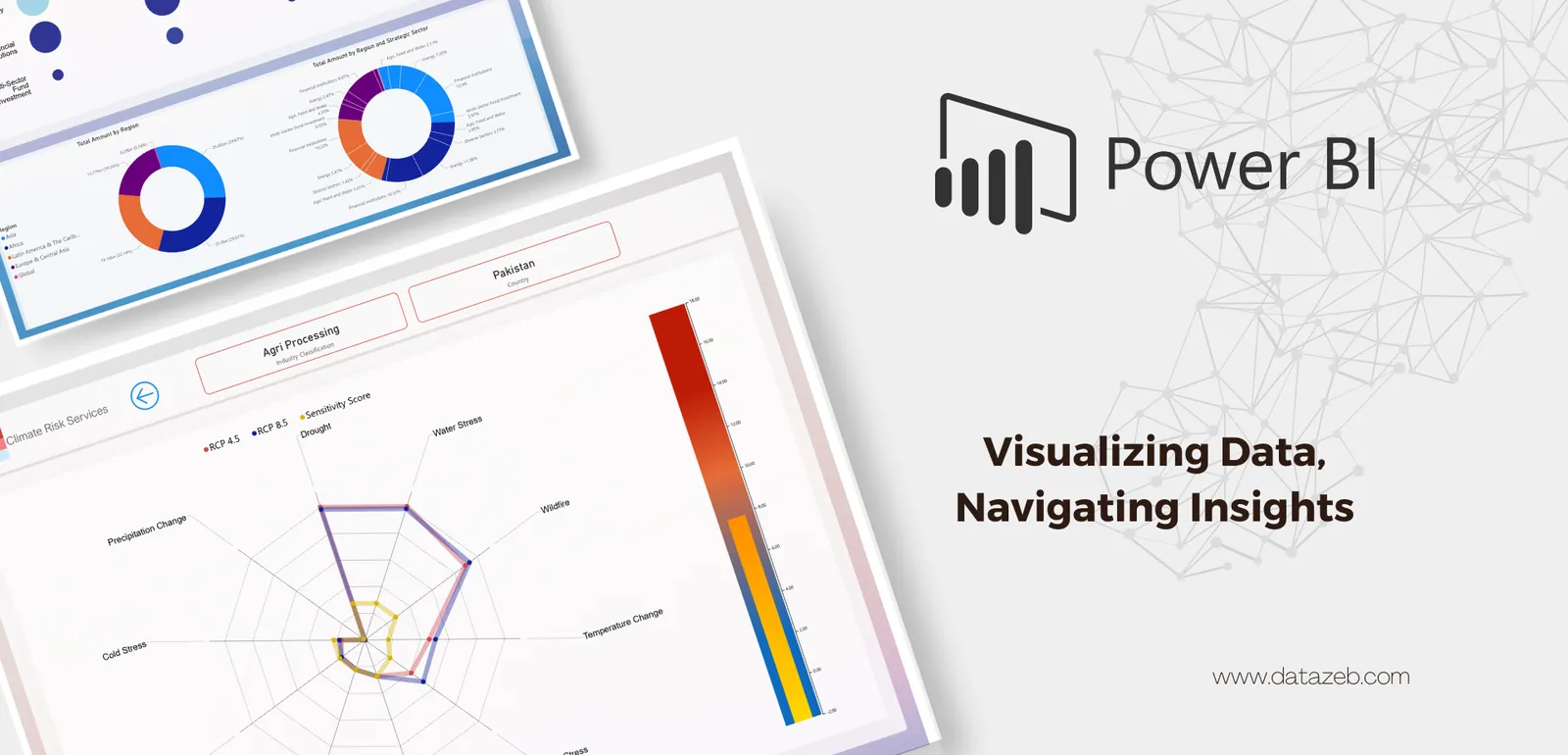
Open larger viewInvestment & ESGClimate-risk exposurePortfolio exposure by region and sector, with risk scores by country and industry under two emissions scenarios.
Client names, logos and people's names are blurred. Figures are the reports' own data, not results claimed by Datazeb.
What should improve after a good BI implementation?
Less manual preparation and spreadsheet consolidation
Faster access to management information
Clearer ownership of KPI definitions
More consistent reporting across teams and business units
Better visibility into operational performance
Improved confidence in the numbers
More scalable reporting as data volumes and users grow
A stronger foundation for forecasting, automation, and AI
In detail
Explore the detail
Common use cases
Executive and board reporting
Financial and management reporting
Sales and revenue analytics
Inventory and stock intelligence
Operational performance dashboards
Healthcare and clinical operations reporting
Customer and service analytics
Workforce and HR analytics
Marketing and ecommerce performance
Multi-location / multi-business-unit reporting
Audit and compliance reporting
Data quality and exception monitoring
Already using Power BI? We can help improve what you have
Not every engagement needs a rebuild. Datazeb can review an existing reporting environment and identify where performance, modelling, governance, access, or maintainability can be improved.
Ongoing expertise without building a full internal BI team
For organisations that need continuous reporting capability, Datazeb can provide retained support for development, administration, troubleshooting, enhancements, and advisory.
Power BI works best when the surrounding data stack works too
Microsoft Power BI – Desktop, Service, Report Server
Microsoft Fabric and Azure data services
SQL Server, PostgreSQL, Oracle, MySQL
Python-based data processing and APIs
Excel and operational file-based sources
ERP, CRM, finance, POS, and custom business systems
Cloud and on-premise gateway environments
FAQ
Frequently asked questions
Can you build Power BI from our existing Excel reports?
Yes. Datazeb can review the existing reporting logic, identify the real data sources behind it, and rebuild recurring reporting into a more automated and maintainable Power BI environment.
Can you work with an existing Power BI environment?
Yes. We can improve, extend, troubleshoot, or govern an existing environment instead of rebuilding everything.
Do you only build dashboards?
No. We also work on data models, SQL, APIs, ETL pipelines, gateways, security, administration, and the data architecture behind Power BI.
Can you work with our internal BI or IT team?
Yes. Datazeb can work independently or alongside internal teams, consultants, and technology partners.
Do you provide ongoing support after launch?
Yes. Ongoing retained support and dedicated consulting are available for organisations that need continuous BI capability.
Ovais was excellent. He was very flexible to adjust to our changing requirements and demonstrated dedication to delivering well and making sure we were able to meet our own commitments. He was friendly and responsive throughout the project. I would highly recommend him.
SSSaad ShahCEO & Founder, Metric-X
Upwork review
“
Ovais is an extremely talented analyst with exemplary credentials and unmatched enthusiasm, who is able to create crafted custom work across our organisation.
JMJoshua MurphyIT & Systems Manager, Civil Cast
Client feedback
“
Wow – that's all I can say. LIFESAVER. Not only did he troubleshoot the error, he explained what was happening in a way that will help ensure the error doesn't happen again in the future. Great experience. Thank you again.
VVictor
Fiverr review
Learn it yourself · Datazeb Training
Learn Power BI with Datazeb Training
Prefer to build the skills in-house? Live online Power BI courses taught by the same practitioners who deliver these projects.
Make your reporting easier to trust – and easier to use
If your reporting is manual, inconsistent, slow, or difficult to scale, tell us what is happening today. We can help identify whether the right next step is a dashboard, model redesign, data integration, environment review, or a broader BI solution.